

You can add a knowledge-base article (NeetoKB) to any conversation to share a solution or answer a common question without typing it out. The customer gets the article right inside the chat.
Open any conversation.
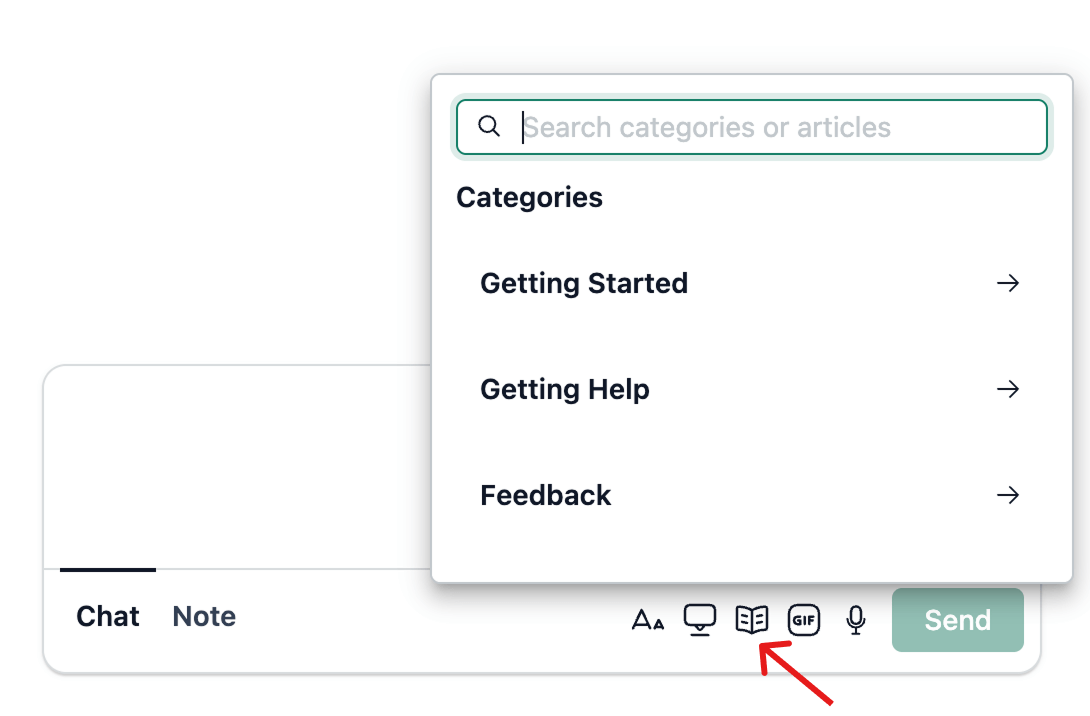
In the Chat area, click the Add NeetoKB Article icon.
Search for the article you want in the popover.
Click Send Article.
.png)