

You may wish to customize your NeetoChat widget based on your website style.
Go to Admin panel.
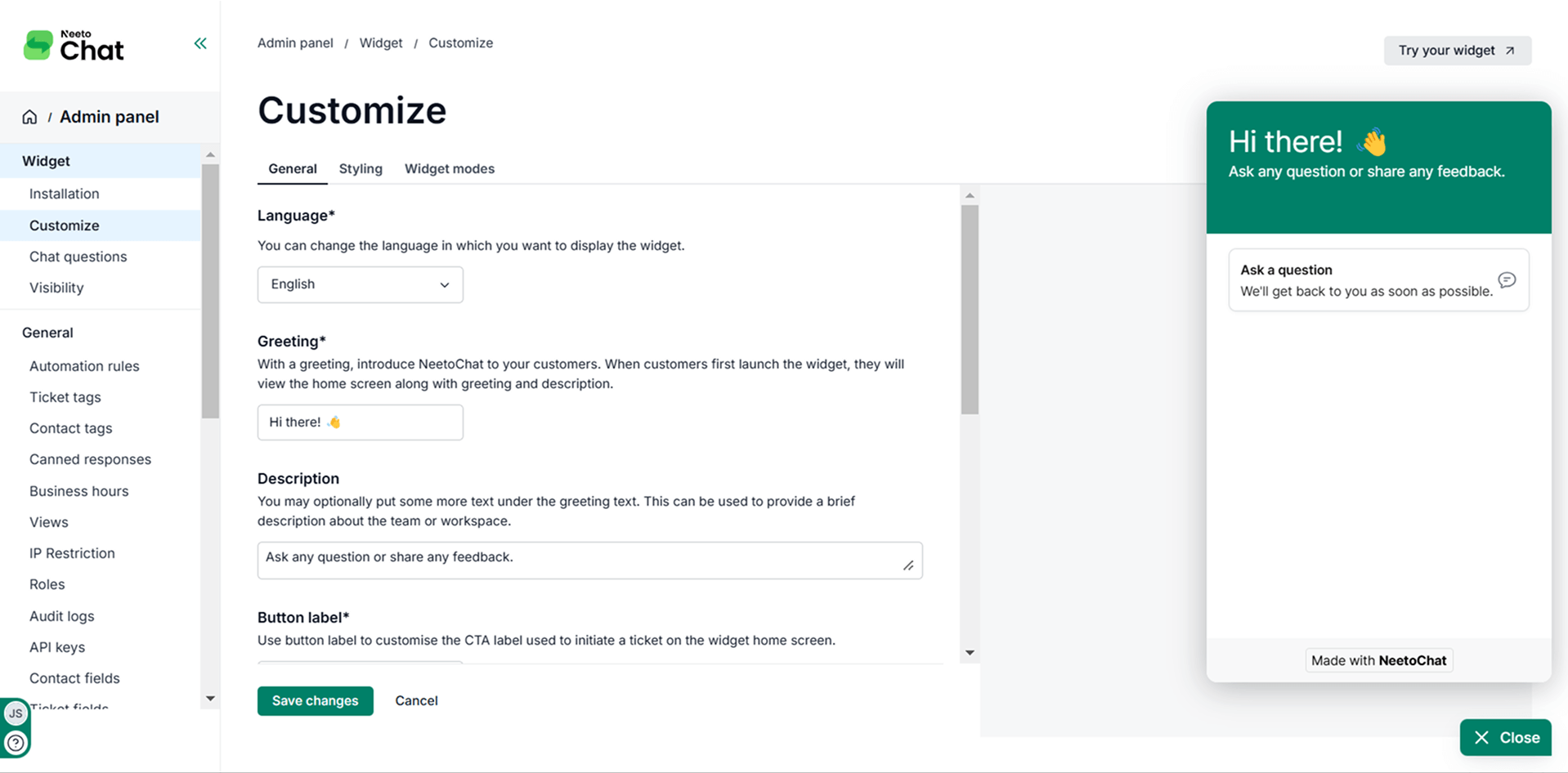
Under Widget, click on Customize.
Customize the widget, and you will see a real-time preview of your changes.
Click on Save changes.
You also have options to customize the description, button labels, and welcome message to suit your needs. You also have the flexibility to show, hide, or rename the agent for example, using a generic name like "Support Team."
.png)