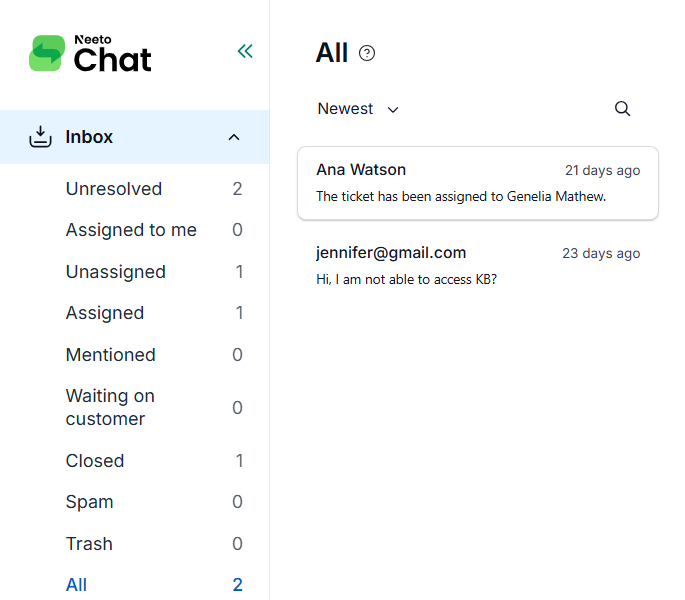

The Inbox comes with a set of default views that group conversations by status and assignment. Here is what each view shows.
Unresolved: Lists conversations with the status New, Open, or On hold.
Assigned to me: Lists unresolved conversations that are assigned to you.
Unassigned: Lists unresolved conversations that are not assigned to any agent.
Assigned: Lists unresolved conversations that are assigned to an agent.
Mentioned: Lists unresolved conversations where you are mentioned in a note.
Waiting on customer: Lists conversations with the status Waiting on customer.
Closed: Lists conversations with the status Closed.
Spam: Lists conversations marked as Spam.
Trash: Lists conversations marked as Trash.
Active: Lists every conversation that is not in Closed, Spam, or Trash.
To learn what each status means, see Understanding ticket statuses.